nixpkgs 26.05 · s6 or dinit · x86_64
NixOS without systemd
The same nixpkgs packages and the same declarative configuration. s6-rc starts and supervises the system, or dinit, if you choose it; everything else stays as it is in NixOS.

What changes
Only the init system and what is tied to it. Nothing is added on top of NixOS, and packages are not rebuilt: they come from the nixpkgs binary cache.
| NixOS | NixithOS | |
|---|---|---|
| PID 1 | systemd | s6-svscan, or dinit |
| Services | systemd units | s6-rc or dinit services; unitc translates the units of nixpkgs modules |
| Sessions | systemd-logind | elogind |
| Rebuilding | nixos-rebuild switch | nixith switch, or part of it with --only |
| Boot loader | systemd-boot, GRUB | systemd-boot, GRUB, rEFInd, Limine |
| Packages | nixpkgs | nixpkgs, unchanged |
| configuration.nix | NixOS modules | the same modules |
nixpkgs modules still describe services as systemd.services.*. NixithOS builds s6-rc or dinit services out of those descriptions, so services.openssh.enable = true works as is. Which of the two runs the machine is one line, nixithos.init = "dinit";, or a step of the installer.
The nixith command
It takes the place of nixos-rebuild. It applies the whole configuration or a single branch of it.
$ sudo nixith switch --only services.openssh
$ nixith parts
system:  /nix/store/…-nixith-system-nixith-26.05
base:    /etc/nixith/configuration.nix
part 1:  services.openssh
         from /etc/nixith/configuration.nix
- switch
- build it and switch to it now
- boot
- use it from the next boot
- test
- switch to it without a boot entry
- build
- only build it
- --only PATH
- rebuild one part of the configuration
- parts
- what the running system was built from
- generations
- list the generations
- install
- install the system on a disk
- generate-config
- describe the hardware in hardware-configuration.nix
The installer
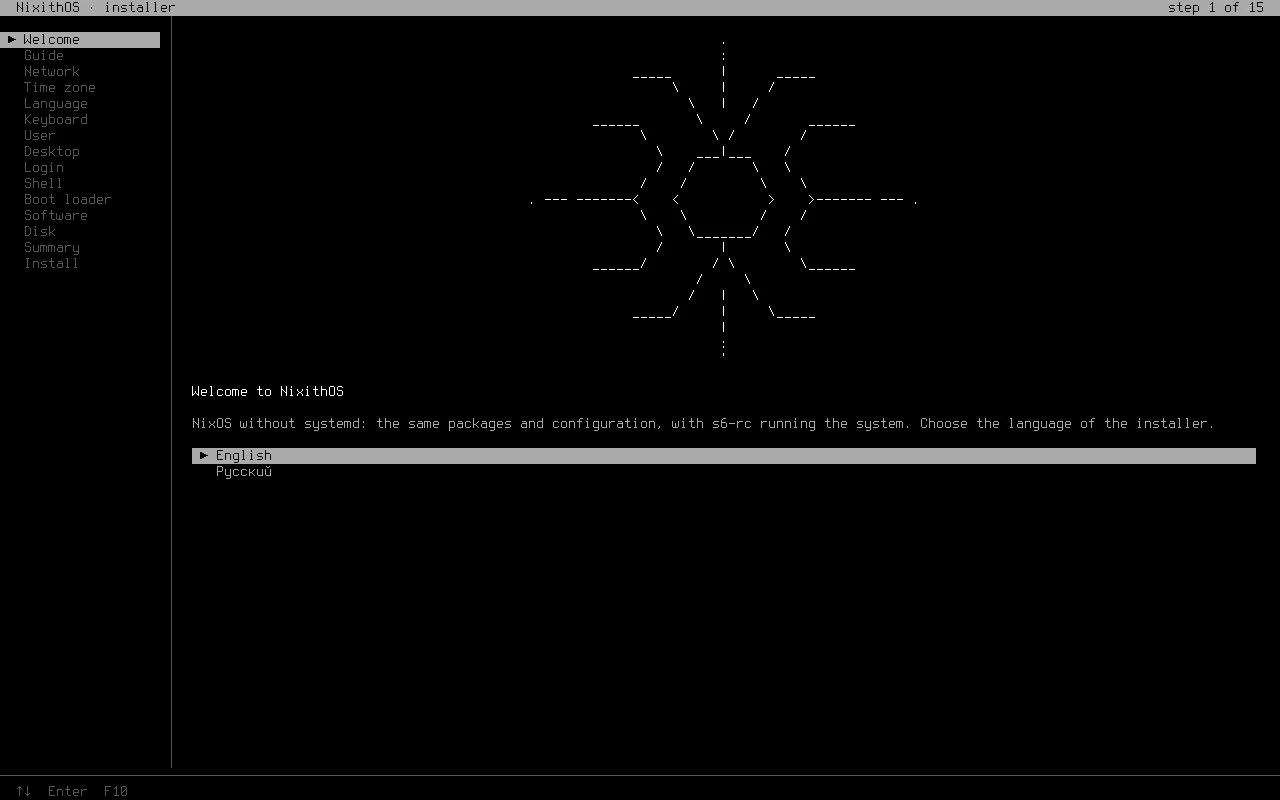
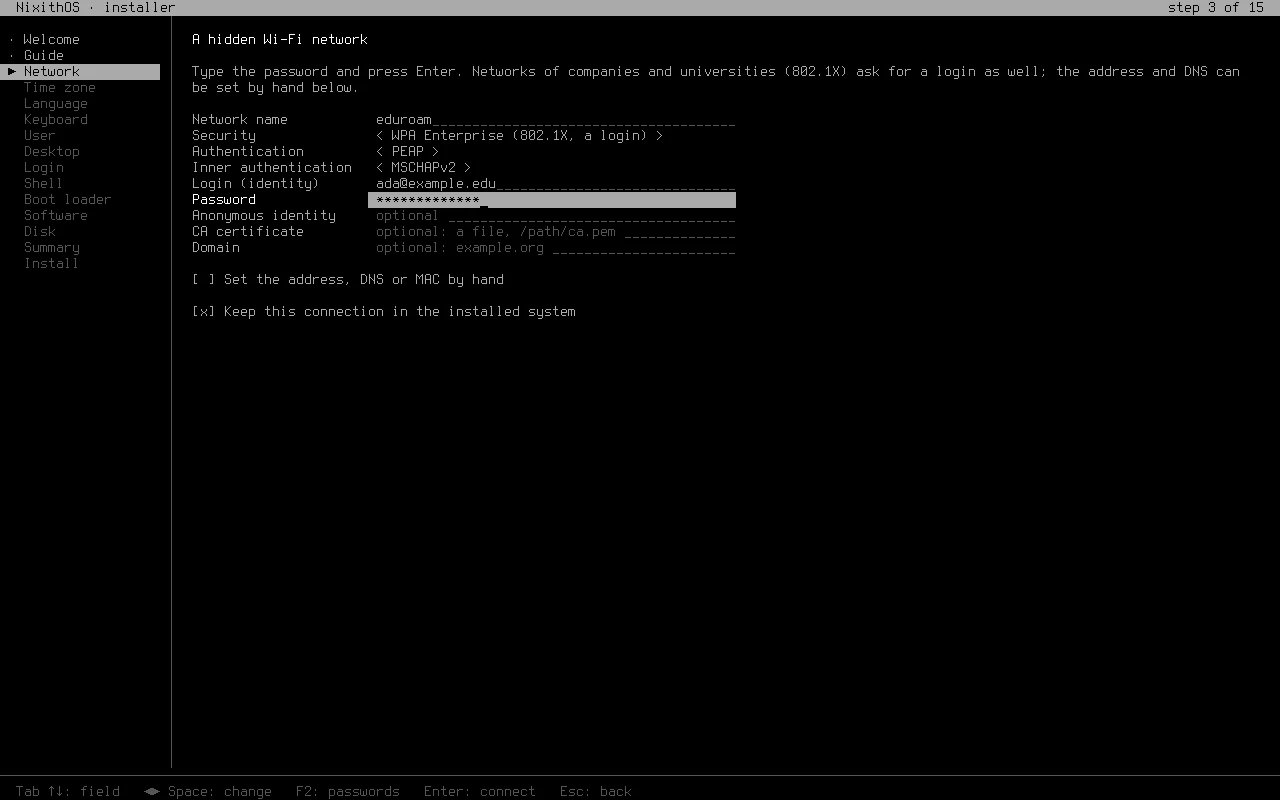
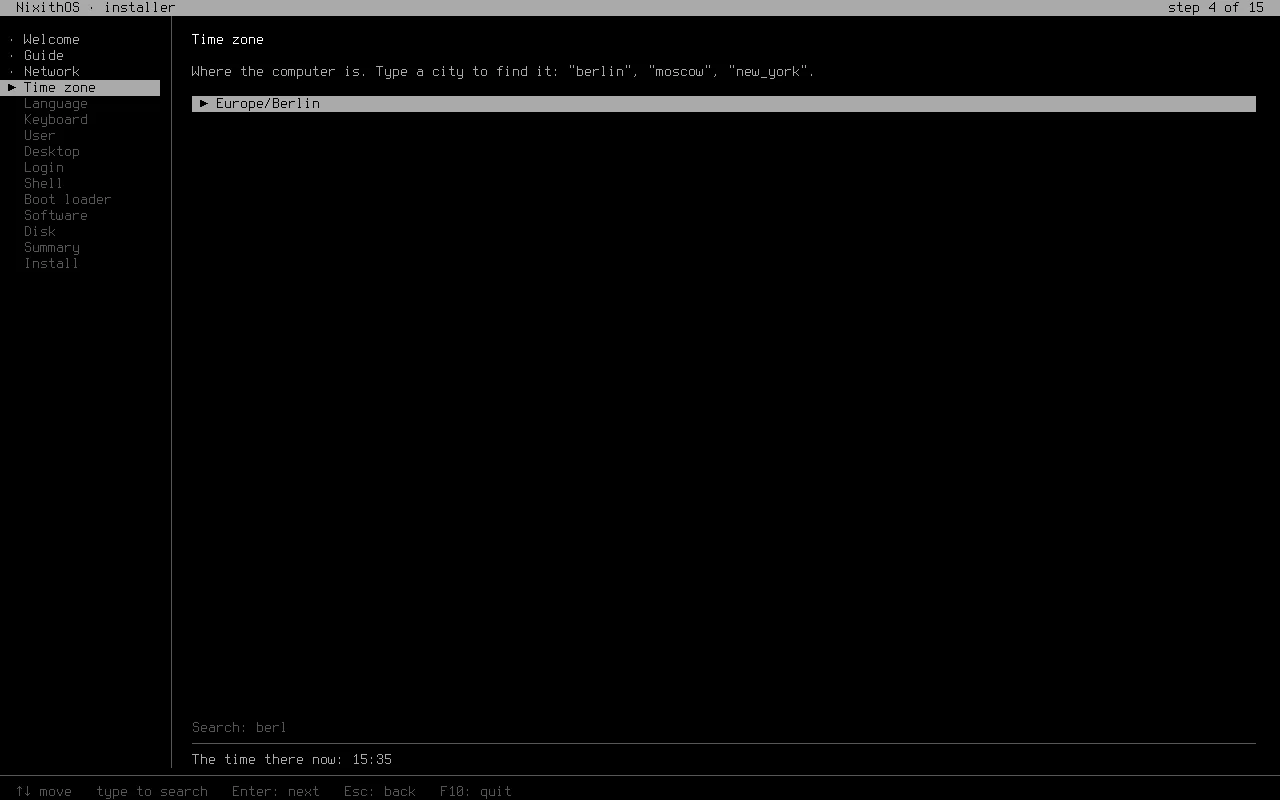
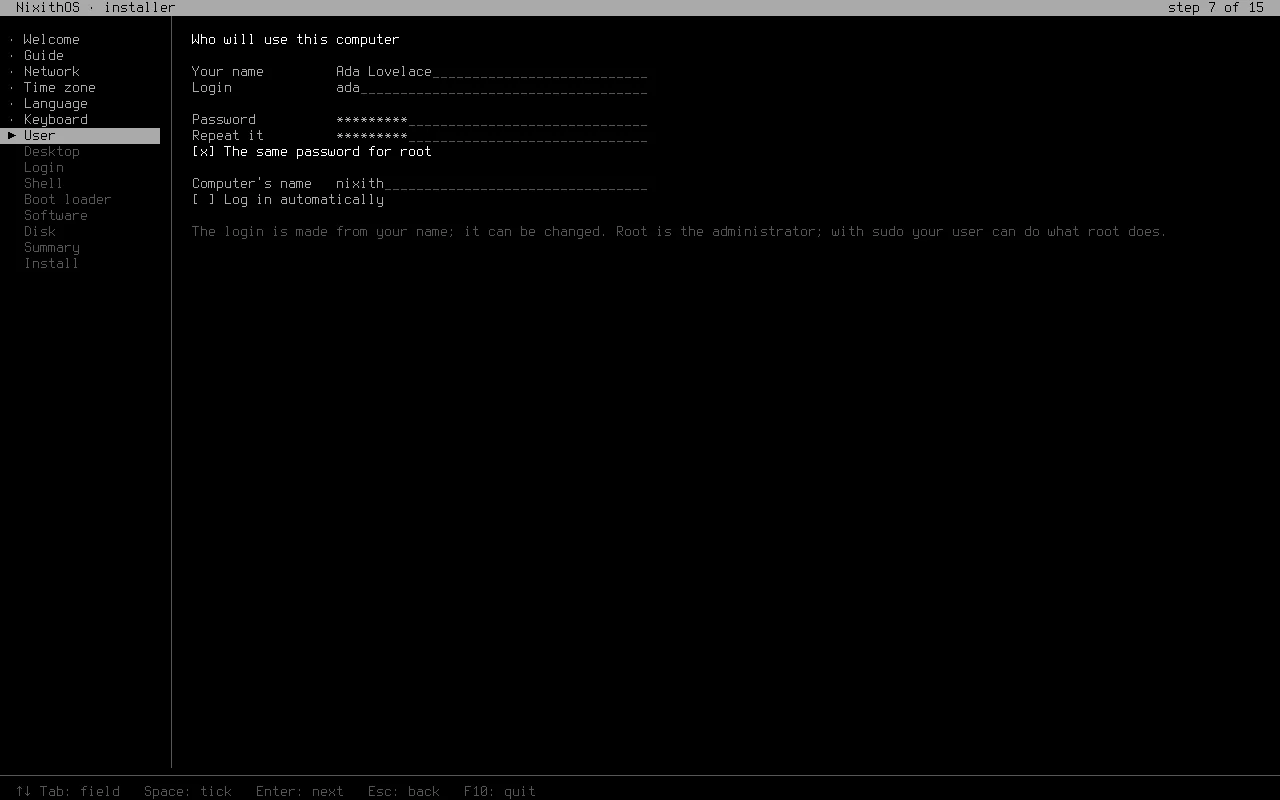
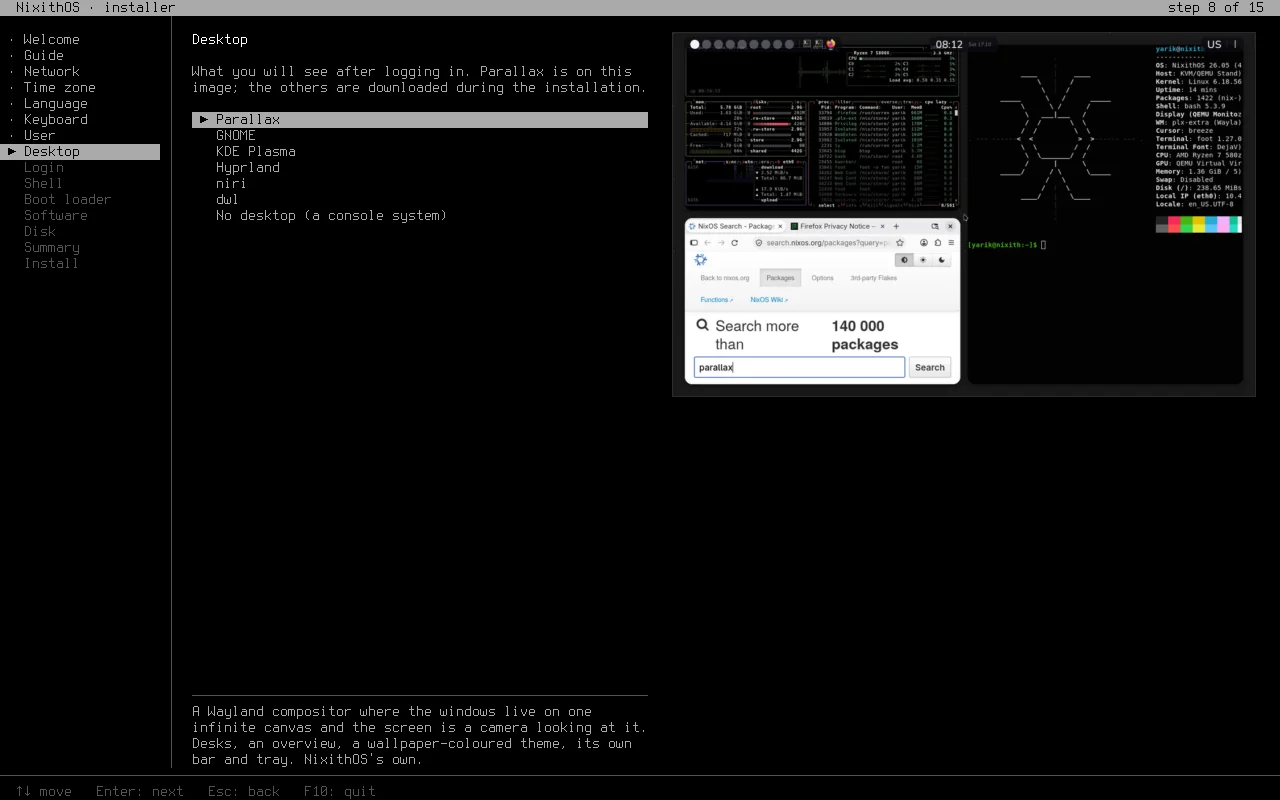
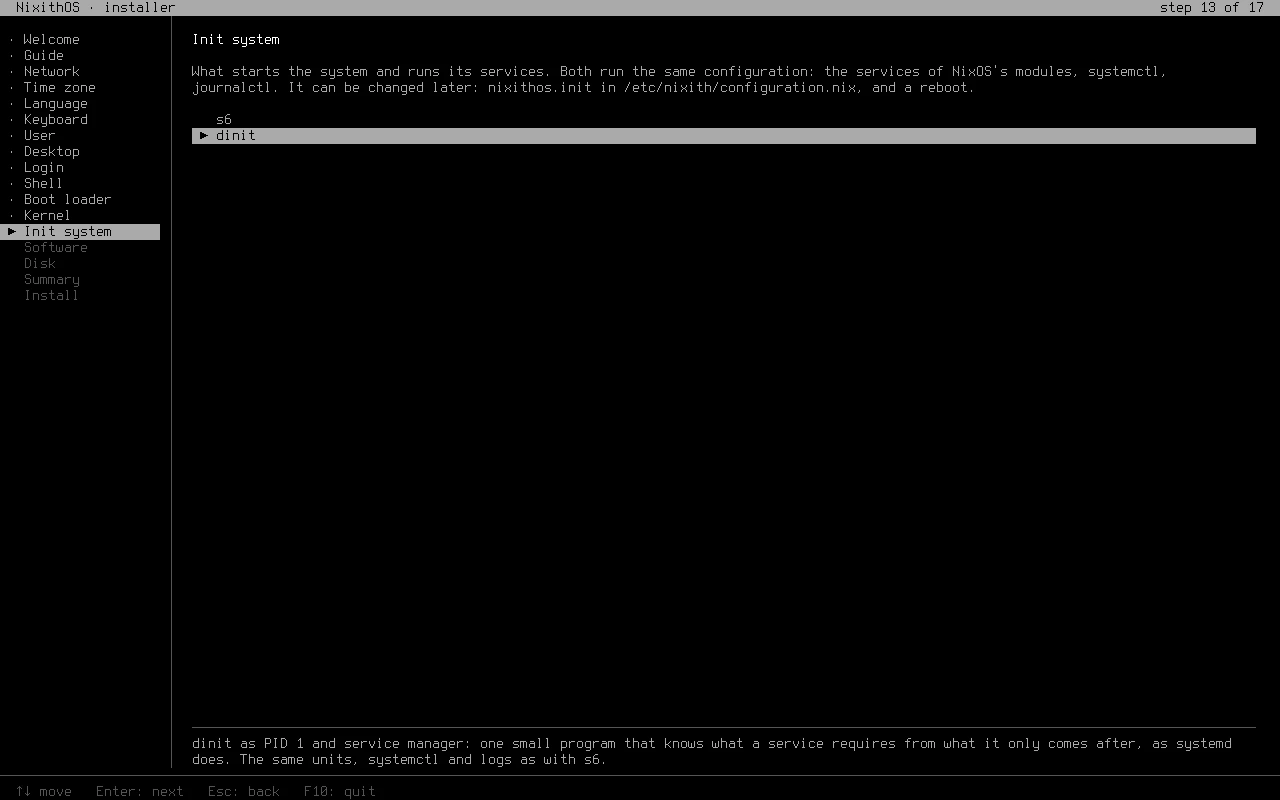
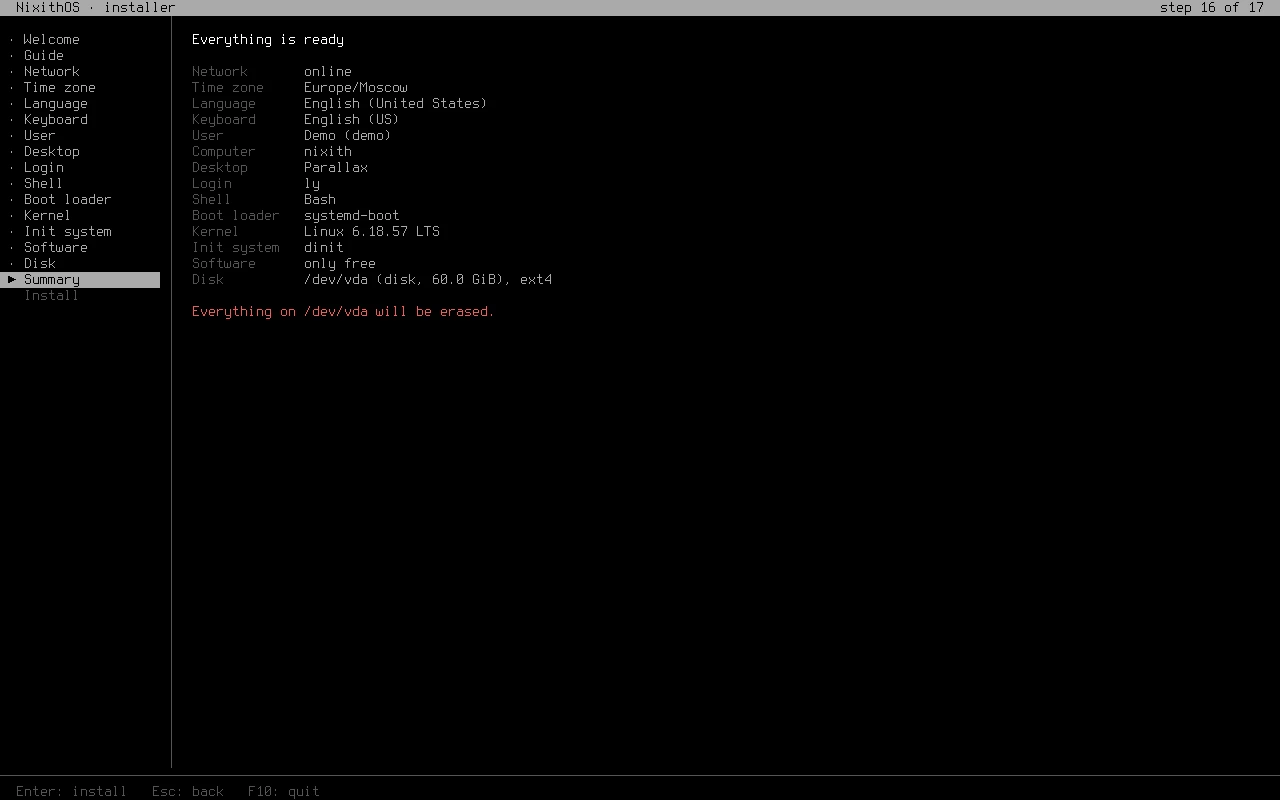
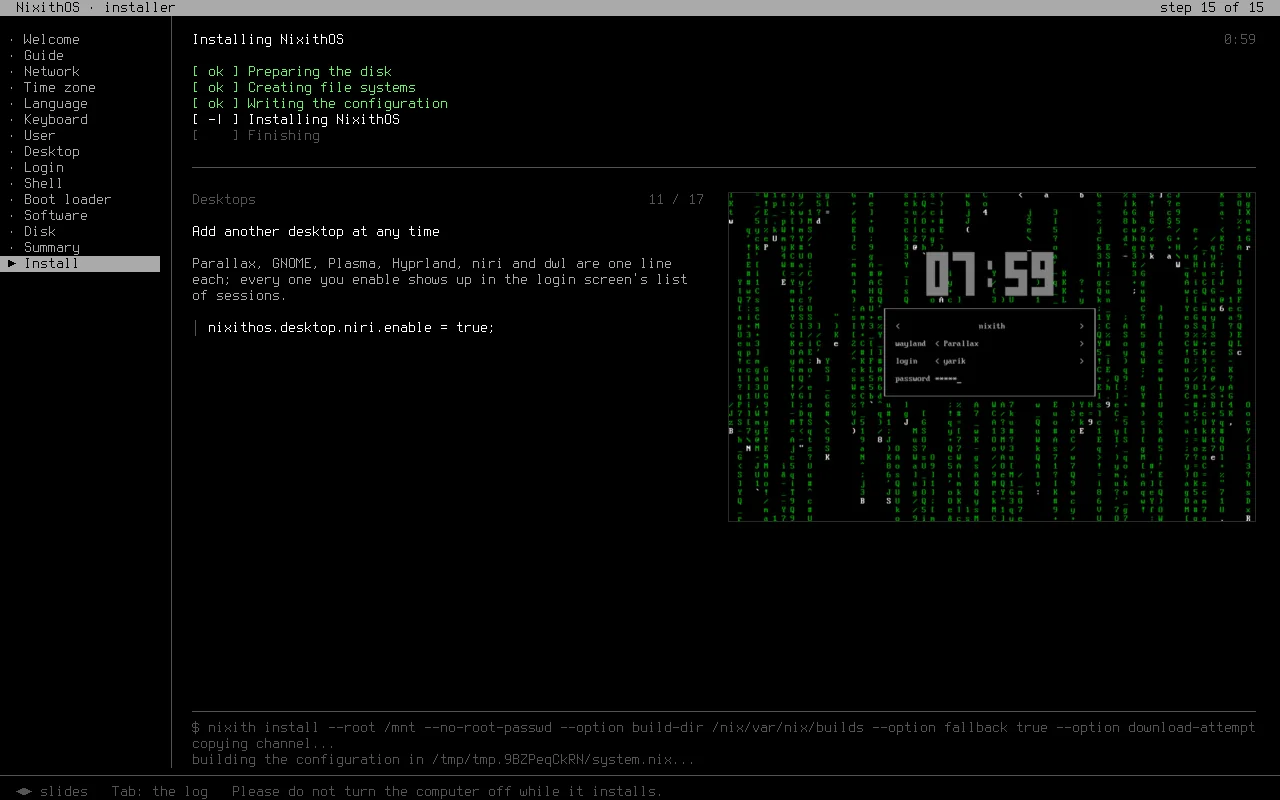
The image starts its installer by itself: a small program in the console, in English or Russian, with a screenshot of every choice, the way Calamares showed them. Seventeen short steps, and nothing is written to the disk until the summary is confirmed.
Desktop
- Parallax ours
- GNOME 50
- KDE Plasma
- Hyprland
- niri
- dwl
Login
- ly
- greetd tuigreet
- console
Shell
- Bash
- Zsh
- fish
- Nushell
Boot loader
- systemd-boot UEFI
- Limine UEFI
- GRUB BIOS / UEFI
- rEFInd UEFI
Kernel
- Linux 6.18 LTS
- Linux 7.3 newest
- Linux 6.12 LTS
- Linux 6.6 LTS
- Zen
- XanMod
Init
- s6 s6-rc
- dinit
Download
One image for UEFI and BIOS, 1.8 GB, released on 3 November 2026. Write it to a USB stick (or put it on Ventoy) and boot from it.
The checksum is in SHA256SUMS next to the image. The image also builds from the source with one command.
$ sha256sum -c SHA256SUMS
$ sudo dd if=nixithos-26.05-x86_64-linux.iso \
      of=/dev/sdX bs=4M status=progress
# or from the source:
$ nix-build -A iso
Tests
Every part of the init system is checked in a virtual machine, the way NixOS does it.
- boot
- units
- switch
- login
- replace
- elogind
- user-services
- bootloader
- sandbox
- timesync
- module